All things Git
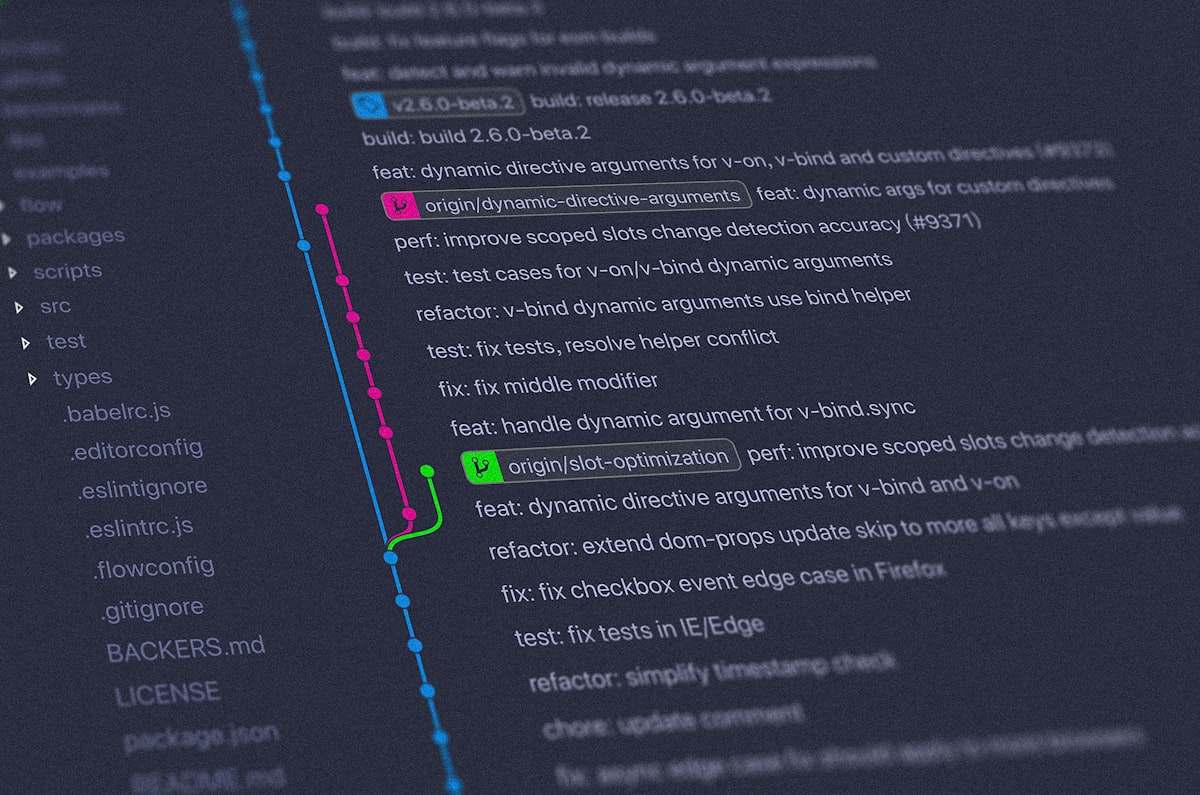
Git Common Commands
-git init -git clone -git remote add origin ***.git -git push -u origin master -Push to the dev branch of the remote warehouse:
push origin dev``` -```git log``` -```git log --graph --pretty=oneline --abbrev-commit``` -```git status``` -```git diff``` -```git add *``` -```git commit -m "message"``` -After commit, a small bug was changed, but you don't want to add a commit, you can use:

```git
commit --amend --no-edit`'' to directly add the changes to the last commit -```git push``` -```git pull``` -```touch .gitignore
Git Tag Management
-First switch to the branch that needs to be tagged, and then use
tag v1.0``` to tag v1.0 in the current commit -```git tag v1.0 commitID``` tag a specific commit -Add message when tagging:

```git
tag -a <tagname> -m "message"``` -```git tag``` view all tags -```git show [tagname]``` view tag details -```git push origin <tagname>``` can push a local tag to a remote warehouse -```git push origin --tags``` can push all local tags that have not been pushed -```git tag -d <tagname>``` can delete a local tag -```git push origin :refs/tags/<tagname>``` can delete a remote tag (first delete it locally)

#### Git undo and rollback

-**Temporary Area**: the area that exists before commit after

```git
add```; **work area**: the area that exists after

```git
commit```; **remote warehouse** :After

```git
push```; -Modified, but not

```git
add```, revoke to the last commit:

```git
checkout -f

- filename```;

```git
checkout -f

- .``` -Modified, and

```git
add```, but not yet

```git
commit```:

 -First undo the modification of the temporary storage area:

```git
reset HEAD filename```/```git reset HEAD```; at this time the modification only exists in the work area and becomes "unstaged changes";

 -Use the checkout command above to undo the changes from the workspace -After

```git
add```, I made a modification and want to discard this modification:

```git
checkout -f --filename``` will return to the most recent

```git
add``` -Modifications have been made and have been

```git
commit```, want to undo this modification:

 -```git revert commitID```. In fact,

```git
revert``` can be used to undo any modification, not necessarily the most recent one

 -```git reset --hard commitID```/```git reset --hard HEAD^``` (HEAD means the current version, several ^ means the last version, the 100th version can be used HEAD~100); parameter ```--hard```: force the temporary storage area and work area to be synchronized to the specified version

 -The difference between

```git
reset``` and

```git
revert``` is: reset is used to roll back, pointing the HEAD pointer to the version that you want to roll back, as the latest version, and the latter The version is gone; revert is only used to undo a change, and has no effect on subsequent changes.

 -Then use

```git
push -f``` to submit to the remote warehouse

#### Git branch management

-Create branch:

```git
branch test``` -Switch branches:

```git
checkout test``` -Create and switch branches:

```git
checkout -b test``` -Merge the changes of the test branch to the master branch: Commit and push on the test branch first, and then:

```git
checkout master```;

```git
merge test``` -If conflicts occur during merging: manually resolve the conflicts before merging -Delete branch:

```git
branch -d test``` -```git stash
-If there are still tasks in the current branch that have not been completed and do not want to submit, but you need to switch or create another branch at this time, you can use stash to store all the changes (including the temporary storage area) of the current branch; then you can switch to Other branches
-After the other branch work is completed, first switch back to the original branch, and then use the
stash list``` command to view

 -You can use

```git
stash apply <stash number>``` to restore the previously stored work site, and then use

```git
stash drop <stash number>``` to delete the stored content

 -You can also directly use

```git
stash pop``` to restore and delete content -If you have made a modification on another branch (for example, a bug is fixed, this modification has a commitID), and you want to apply this modification to the current branch, you can use:

```git
cherry-pick commitID`` `, you can copy a specific commit to the current branch

## RESTful API

REST refers to Representational State Transfer, which can be translated as "presentation layer state transfer"

#### main idea

-For all resources on the network, there is a **Uniform Resource Identifier** URI (Uniform Resource Identifier); -These resources can have a variety of representation forms, that is, the "presentation layer" Representation in REST. For example, text can be represented in txt format, or in HTML format, XML format, and JSON format. URI only represents the entity of the resource, not its form; -"Stateless" thinking: The server should not save the client state, it only needs to process the current request without knowing the history of the request. Each client request contains all the information needed to process the request; -The client uses the GET/POST/PUT/DELETE method in the HTTP protocol to operate on the resources of the server, which is the "state conversion" in REST

#### Design Principles

-URL design

 -It is best to use nouns only, and use the difference of GET/POST/PUT/DELETE methods to indicate different operations; for example, use

```POST
/user``` instead of ```/user/create
-GET: get resources; POST: create/update resources; PUT: update resources; DELETE: delete resources;
-For clients that only support GET/POST, use the X-HTTP-Method-Override attribute to override the POST method;
-Avoid multi-level URLs, such as using
/authors/12?categories=2``` instead of

```GET
/authors/12/categories/2```;

 -Avoid putting the version number in the URI. Different versions can be understood as different manifestations of the same resource, so the same URI should be used, and the version number can be distinguished in the Accept field of the HTTP request header information -Status code: The server should return as accurate a status code as possible, and the client can determine what has happened just by looking at the status code. -Server response: Put a link to other APIs in the response to make it easy for users to find
Share this article
Reactions